A processor can begin a workload at a high boost clock and then settle at a lower frequency a minute later. Sometimes that is completely normal power management. Sometimes it is a cooling problem. And sometimes a monitoring app labels several different limits with similar-looking warnings, which makes the diagnosis more confusing than it needs to be.
Thermal throttling has a specific purpose: protect the processor when temperature reaches its control limit. The clock drop is the response, not the root cause.
What thermal throttling actually does
Intel describes throttling as a mechanism that reduces processor clock speed when temperature reaches the relevant maximum threshold. The processor reduces power and frequency to bring temperature back under control and protect itself.
That is why a thermal-throttling event often looks like a sawtooth in monitoring software: temperature climbs, the CPU reduces frequency or power, temperature falls, and boost may rise again. The exact behavior depends on the processor, motherboard firmware, cooling system and workload.
There is no universal “bad temperature” for every CPU
Do not diagnose a processor from a generic internet rule such as “anything above 80°C is throttling.” Intel notes that the maximum junction temperature varies by product. Its current support guidance says the limit for many processors is in roughly the 100–110°C range, but the correct value is the specification for the exact processor.
A laptop chip designed to run close to its thermal ceiling can behave very differently from a desktop CPU under a large tower cooler. Compare the observed temperature with the product’s own Tjunction or thermal specification, not with a number copied from a different generation.
Clock speed falling does not prove thermal throttling
Modern CPUs constantly change frequency. A boost clock printed on a product page is not necessarily an all-core frequency that will remain fixed during an unlimited sustained workload. Frequency can fall because the workload changes, a power limit is reached, current limits are reached, firmware applies a sustained power target, or the CPU simply no longer needs the higher clock.
Use monitoring software that exposes both temperature and throttle or limit reasons. A frequency drop at moderate temperature with a power-limit flag is a different problem from a frequency drop at the thermal ceiling.
Cooling problems usually leave a pattern
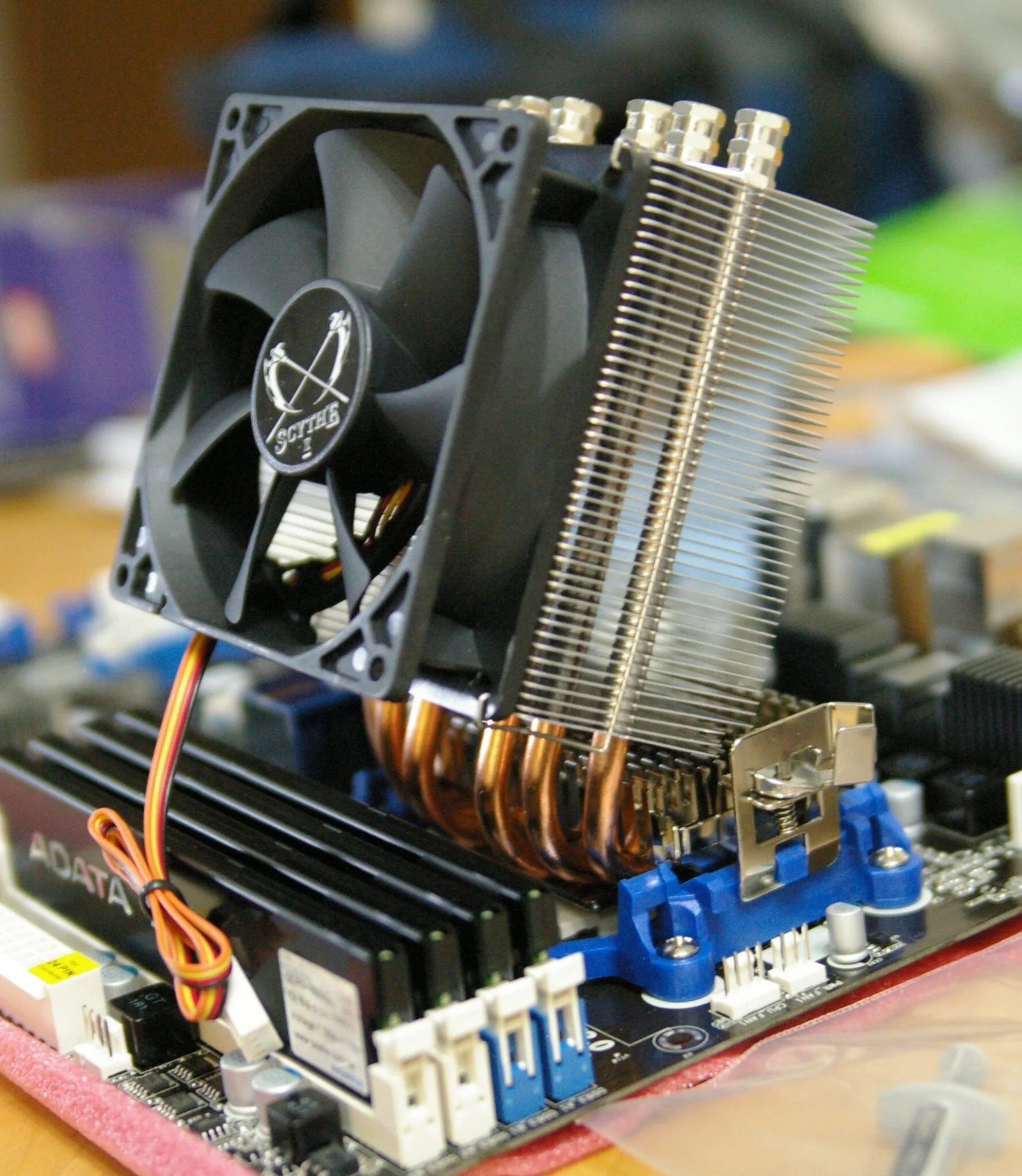
If the CPU reaches its thermal limit unusually quickly and repeatedly under workloads it previously handled, inspect the cooling path. A loose heatsink, failing pump, stopped fan, dust-packed radiator, dried or badly applied thermal interface material, or poor case airflow can all reduce the heat the cooler can move away from the processor.
Check fan and pump speeds, verify that the cooler is mounted evenly, clean filters and heatsinks, and make sure intake and exhaust paths are not blocked. For a recently built PC, also verify that protective film was removed from the cooler cold plate — a simple assembly mistake can mimic a far more serious hardware problem.
Power settings and overclocking can push cooling harder
Motherboard performance presets, unlocked power limits and manual overclocks can increase heat output dramatically. If thermal behavior changed after a BIOS update or after enabling a performance profile, return to known stock settings for the diagnosis.
That does not mean every high temperature is caused by overclocking. It means you want a controlled baseline. Testing cooling while several automatic enhancement settings are changing power targets makes it harder to know whether the cooler or the configuration is responsible.
Stress tests and games are not the same workload
A heavy all-core stress test can draw more sustained CPU power than most games. Throttling during an extreme synthetic workload does not automatically mean the machine will throttle in every real application. Conversely, a game can reveal a cooling issue if both CPU and GPU heat saturate the same laptop or compact case.
Test the workload you actually care about. If gaming performance drops after ten minutes, log CPU temperature, CPU frequency, GPU temperature and frame time during that same session. A graph is more useful than a single screenshot taken after the problem has passed.
When throttling is expected and when it deserves attention
A brief touch of a thermal limit during an aggressive boost event can be very different from sustained throttling that leaves performance far below normal. The latter deserves investigation, especially if temperatures or clocks changed significantly compared with the same system in the past.
Intel’s documentation also makes clear that thermal protection exists to prevent damage. Do not disable thermal safeguards to make a benchmark number look better. Fix the cooling or configuration that is forcing the protection to intervene.
The practical diagnosis
First identify the exact CPU and its thermal specification. Then reproduce the slowdown while logging temperature, frequency and limit flags. If the CPU is at its thermal ceiling when clocks fall, inspect cooling and configuration. If temperature is comfortably below the limit, look for power, current, workload or firmware reasons instead.
“The clock dropped” is the observation. “The CPU overheated” is only one possible explanation. Separating those two statements is the difference between useful troubleshooting and replacing parts at random.
Ethan Cole
Covers graphics cards, processors, platform launches and the hardware decisions that matter to PC builders.
More from Ethan Cole →