Short answer: 16GB of RAM is still enough for many PC games in 2026, but 32GB is the safer target for a new gaming PC, heavy multitasking, modded games and titles that stream large worlds.
Memory capacity does not determine frame rate in the same direct way as a graphics card, yet running out of RAM can turn an otherwise capable PC into a stuttering machine. The useful question is not whether 16GB can launch a game. It is whether the whole system has enough headroom for the game, Windows, voice chat, a browser and anything else you keep open.
When 16GB is still enough
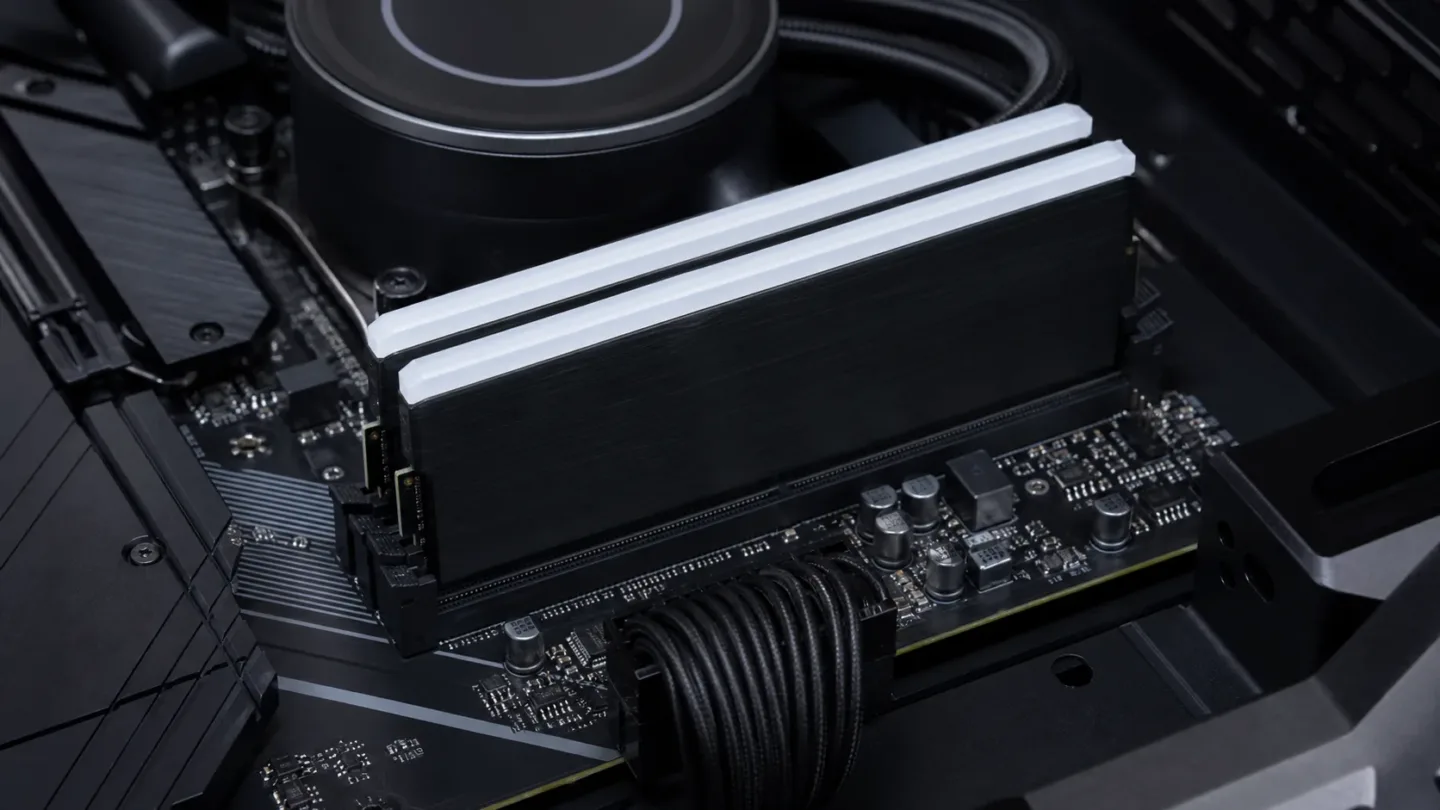
A well-configured 16GB system remains practical for esports games, older releases and many current titles at mainstream settings. It works best when the memory is installed as a matched dual-channel kit and background applications are kept under control.
- You mainly play competitive or less demanding games.
- You close large browser sessions before launching a game.
- You do not use large texture packs or extensive mods.
- The PC has an SSD and a healthy Windows page file.
Capacity is only one part of the equation. If your RAM is running below its advertised speed, check whether XMP or EXPO is enabled. Our guide to RAM speed, XMP and EXPO explains why a new kit may default to a slower profile.
When 32GB makes a noticeable difference
Moving to 32GB is less about gaining a large average-FPS boost and more about avoiding memory pressure. It gives Windows room to cache frequently used data and lets you keep a browser, Discord, recording software or a game launcher open without forcing the system to constantly move data to storage.
Thirty-two gigabytes is especially sensible for simulation games, heavily modded titles, large open worlds, content creation and PCs expected to last through several upgrade cycles. It can also improve consistency when a game already uses most of a 16GB system, even if the average frame rate barely changes.
How to tell if RAM is your actual problem
Open Task Manager, choose Performance, then Memory. Check the graph while the problem is happening rather than after closing the game. High usage alone is not automatically bad; Windows uses available memory for useful caching. Warning signs are sustained usage close to the limit, heavy disk activity, long pauses when switching applications and stutter that appears as new areas or assets load.
Also separate a capacity problem from frame-delivery issues. If memory usage is comfortable but gameplay still feels uneven, review 1% lows and frame-time consistency before buying hardware.
Should you buy 16GB or 32GB for a new PC?
For a budget upgrade to an existing PC, keeping a good 16GB kit can be reasonable. For a new gaming build in 2026, 32GB is the more balanced choice when the price difference is manageable. Buy a matched two-module kit supported by the motherboard rather than mixing unrelated sticks later.
More capacity will not repair overheating, a slow GPU or a poorly optimized game. Upgrade when your workload actually reaches the current limit, and treat 32GB as useful headroom rather than a magic performance switch.
Ryan Carter
Focuses on PC game performance, patches, system requirements, Steam and the practical side of getting games to run well.
More from Ryan Carter →