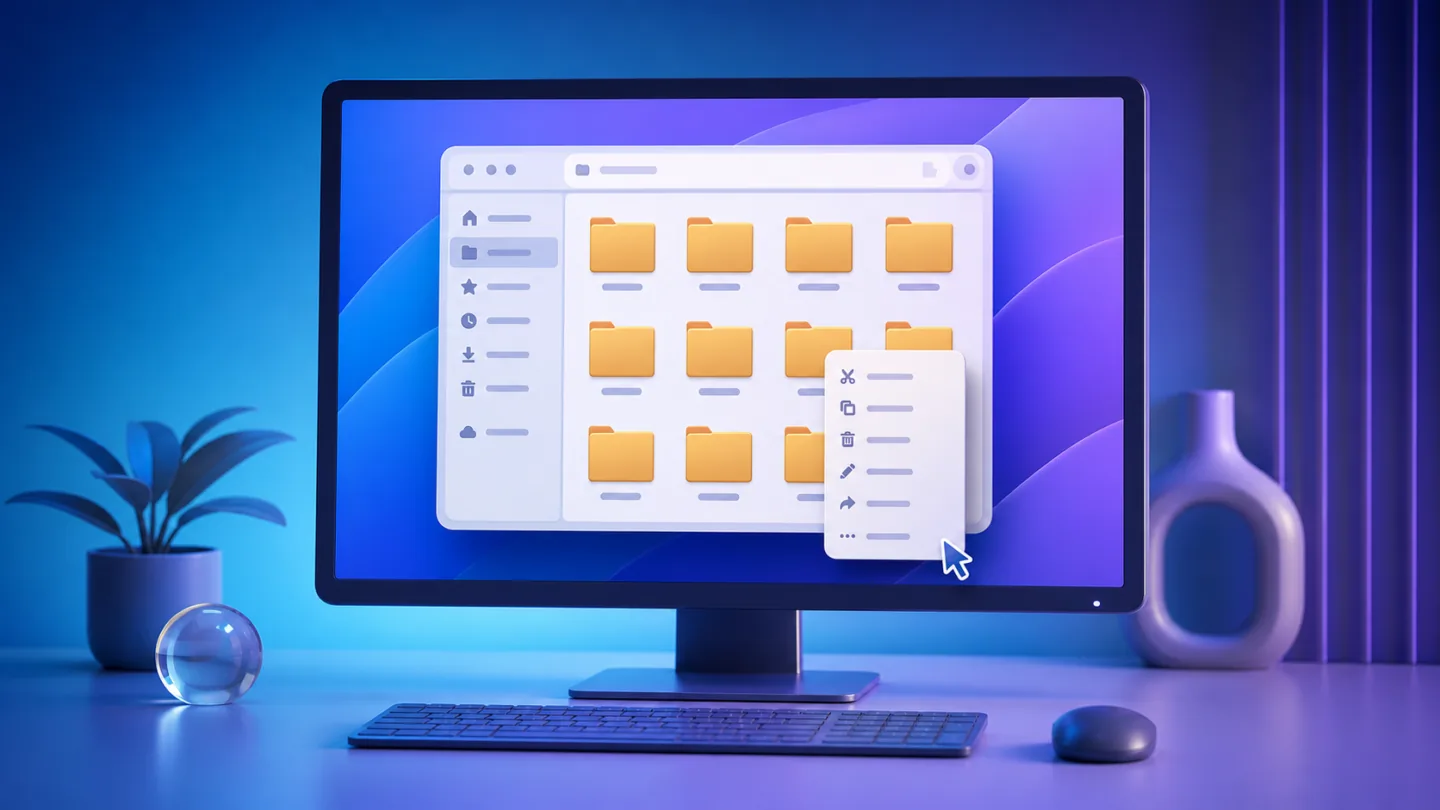
Microsoft is making a broader pass at Windows 11 File Explorer, with a particular focus on the right-click context menu. The company says the redesigned menu is intended to open faster, show fewer unnecessary commands by default and give users direct control over which Windows and third-party options appear.
The new experience is rolling out first to Windows Insiders, so it is not yet a universal change on stable Windows 11 PCs. However, the work addresses two long-running complaints at once: File Explorer responsiveness and a context menu that has become increasingly crowded as applications add their own extensions.
The context menu should open faster
Microsoft says it has reduced the delay between right-clicking a file and having the menu fully ready to use. Part of that work is behind the scenes, while part comes from simplifying the default menu so fewer commands need to load at the top level.
That distinction matters because a slow context menu is not always caused by File Explorer itself. Applications can install shell extensions that run when the menu opens. A cleaner design and better control over extensions should make it easier to separate Windows performance from a problematic third-party entry.
A new Settings page puts menu entries under user control
The redesigned menu includes a Customize menu shortcut that opens a dedicated Settings page. From there, users can turn built-in commands such as Send to, Create shortcut and Print on or off. Microsoft is also exposing controls for app extensions, including whether an extension appears in the main menu or a submenu.
For users who prefer the older Windows 10 layout, Microsoft is adding options to list Cut, Copy, Paste, Rename, Delete and Share as normal text commands instead of the compact icon row. Properties can also be moved to the bottom of the menu.
File Explorer is getting smaller usability fixes too
The context menu is only one part of the update. Microsoft says File Explorer now launches faster and has received fixes aimed at reducing freezes, flashes and delays during everyday tasks such as browsing folders, renaming files and selecting multiple items.
File renames should no longer be interrupted by background synchronization, and changes that only alter filename capitalization should appear immediately. The Address Bar is being improved to handle more path formats, including quoted paths and double backslashes, while middle-click support for opening folders in a new tab is expanding to more locations.
Home can remember whether sections were expanded or collapsed, file sizes use more appropriate units such as KB, MB and GB, and the Details pane has been reorganized to make properties easier to find.
When will stable Windows 11 get it?
Microsoft has not made every part of this redesign generally available. Insider rollouts are used to collect feedback and can change before a public release. If your current File Explorer is stable, there is no need to install an Insider build just to get the new menu early.
For now, the update is best viewed as a preview of where File Explorer is heading: fewer stalls, more predictable right-click behavior and more supported customization. We will track the rollout in our Windows coverage as Microsoft moves the changes beyond the Insider program.
Maya Brooks
Tracks Windows updates, driver releases, software changes and the bugs that can affect everyday PC use.
More from Maya Brooks →